


How to Fix AutoCAD Drawing Units and Block Insertion Scale
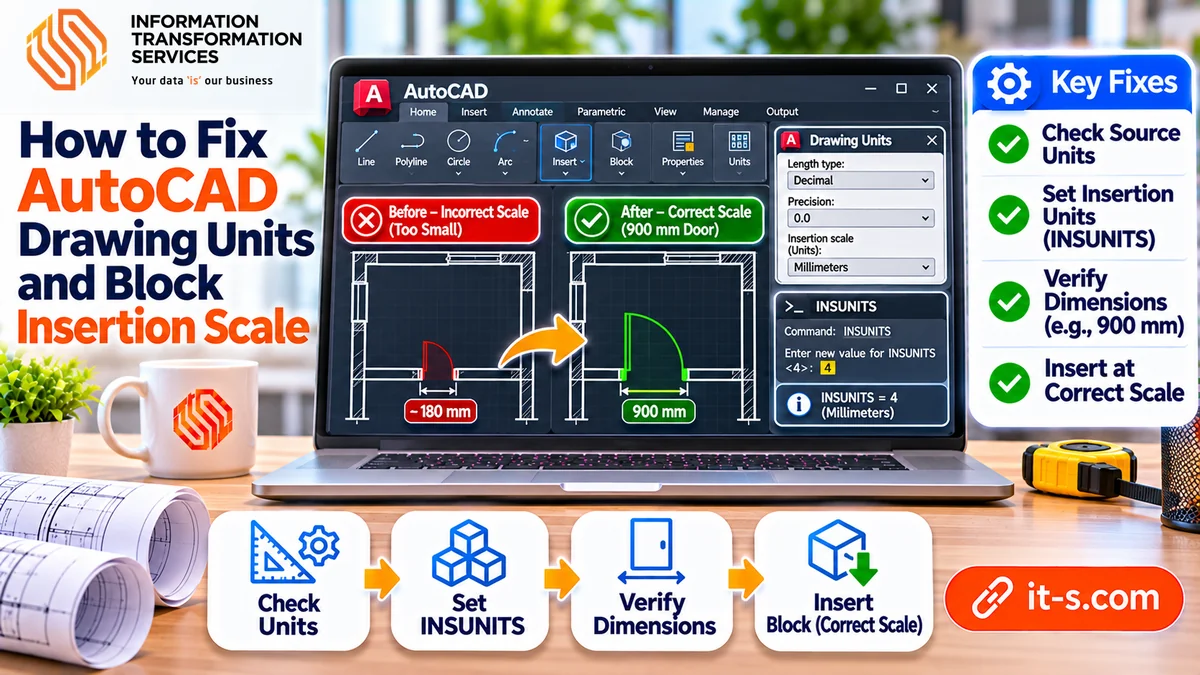
Why AutoCAD blocks appear at the wrong size A door block designed to be 900 millimeters wide can arrive in another drawing as a tiny symbol or an enormous object. The...
Read MoreWhy AutoCAD blocks appear at the wrong size A door block designed to be 900 millimeters wide can arrive in another drawing as a tiny symbol or an enormous object. The...
Read MoreWhy beveled edges sometimes look dented A hard-surface model can have perfectly straight geometry and still show strange dark triangles, ripples, or dents after a bevel is added. The problem becomes...
Read MoreWhy textures stretch even when the model looks correct A wood grain that looks natural on one face can turn into long streaks around a curved edge. A product label may...
Read MoreWhy a correct drawing can print at the wrong size An AutoCAD drawing may measure correctly in model space yet appear too small, too large, or cropped when exported to PDF....
Read More