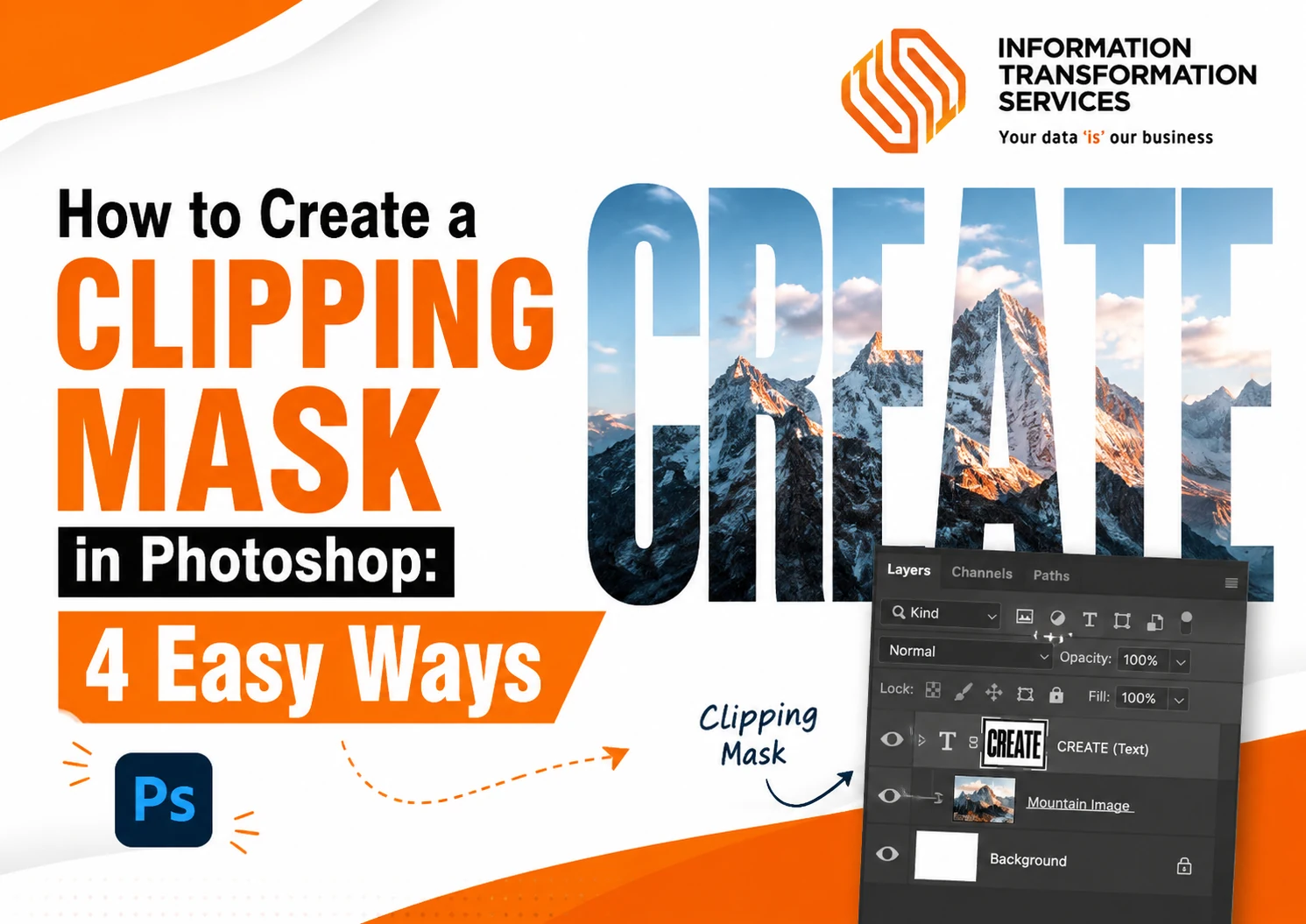



How to Create a Clipping Mask in Photoshop: 4 Easy Ways
Quick Answer: To create a clipping mask in Photoshop, place your image layer directly above a text or shape layer. Then press Ctrl + Alt + G on Windows or Option...
Read MoreQuick Answer: To create a clipping mask in Photoshop, place your image layer directly above a text or shape layer. Then press Ctrl + Alt + G on Windows or Option...
Read MoreManually transferring to baked vertex colors between various mesh is probably the world's stupidest thing in Blender. A lot of times a designer or tech artist will spend hours meticulously selecting each...
Read MoreBlender is time-consuming and error-prone when it comes to the manual validation of UVs and managing the level of textile density. Lap laps in UVs, varying texel density, and extended...
Read MoreIntricate and unique, Norse art was created by the Norse people during the eighth and eleventh centuries, during the Viking Age. It is renowned for its unique styles, which developed...
Read More