

How to Create a Clipping Mask in Photoshop: 4 Easy Ways
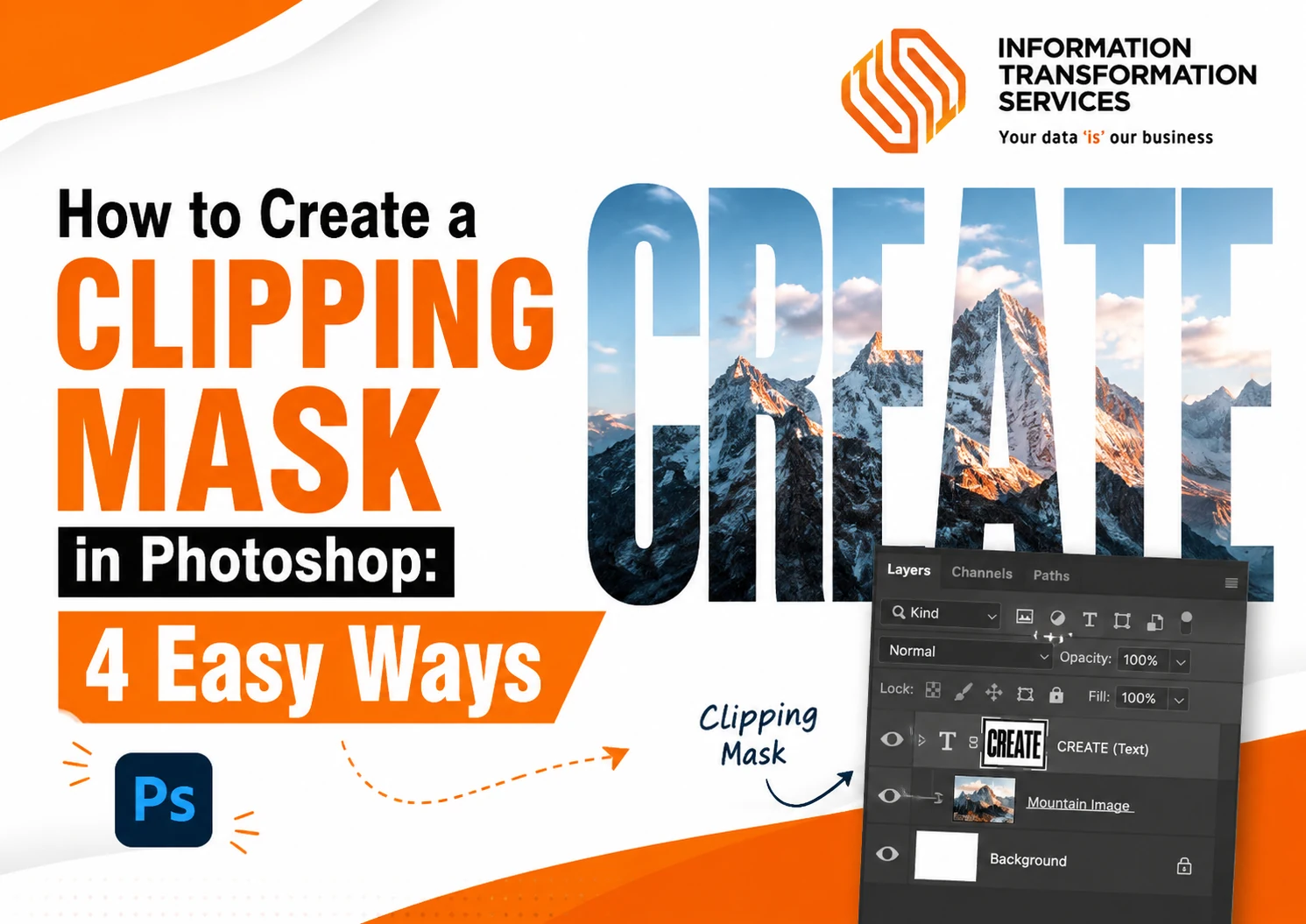
Quick Answer: To create a clipping mask in Photoshop, place your image layer directly above a text or shape layer. Then press Ctrl + Alt + G on Windows or Option...
Read MoreQuick Answer: To create a clipping mask in Photoshop, place your image layer directly above a text or shape layer. Then press Ctrl + Alt + G on Windows or Option...

Read MoreAs 3D projects grow, so does the challenge of managing large asset libraries. Whether assets are created for games, AR and VR applications, product visualization, or digital twins, every model...
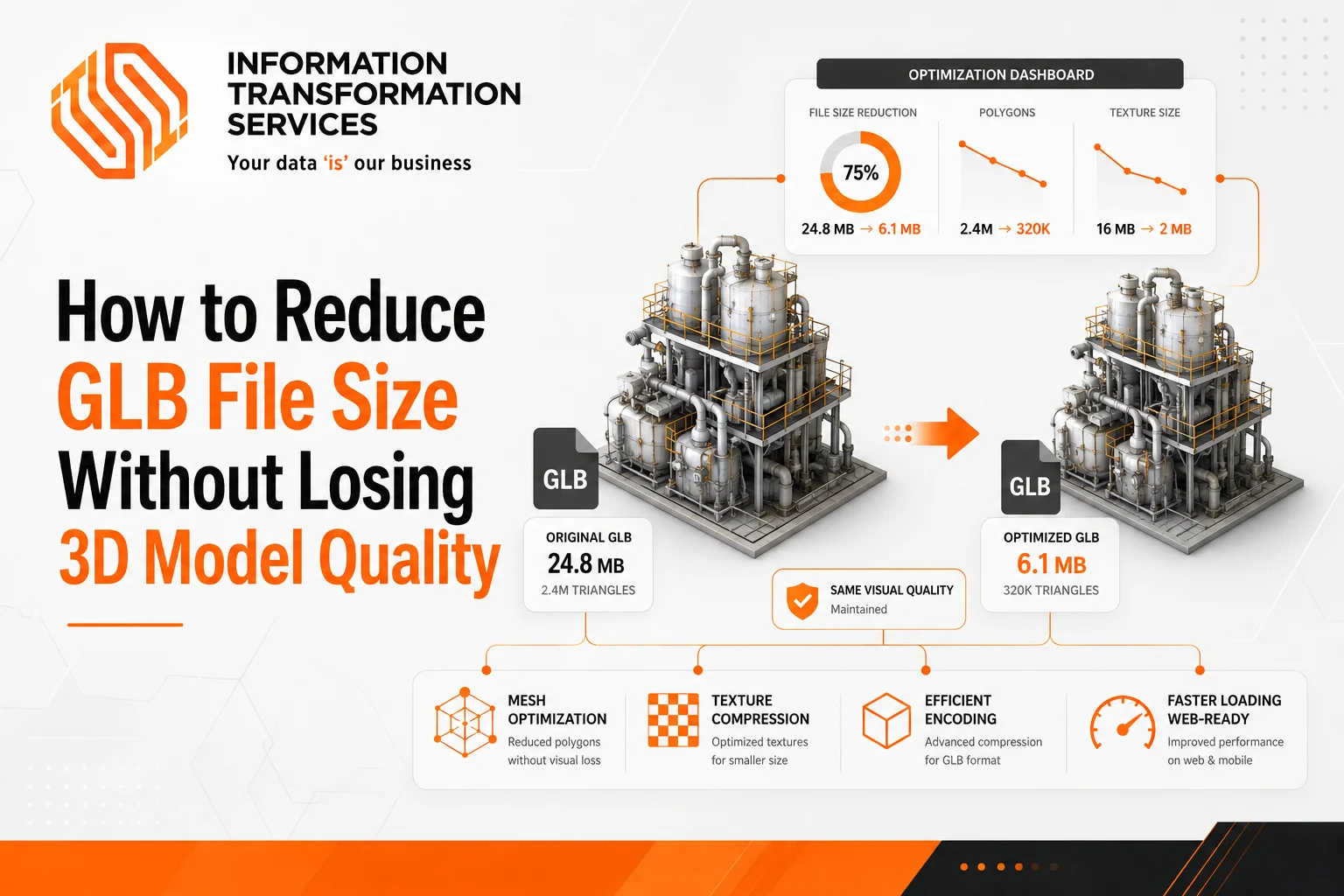
Read MoreGLB file size problems usually don’t come from the format itself. Most of the time, the issue starts when the model is created and exported, where the focus is more...
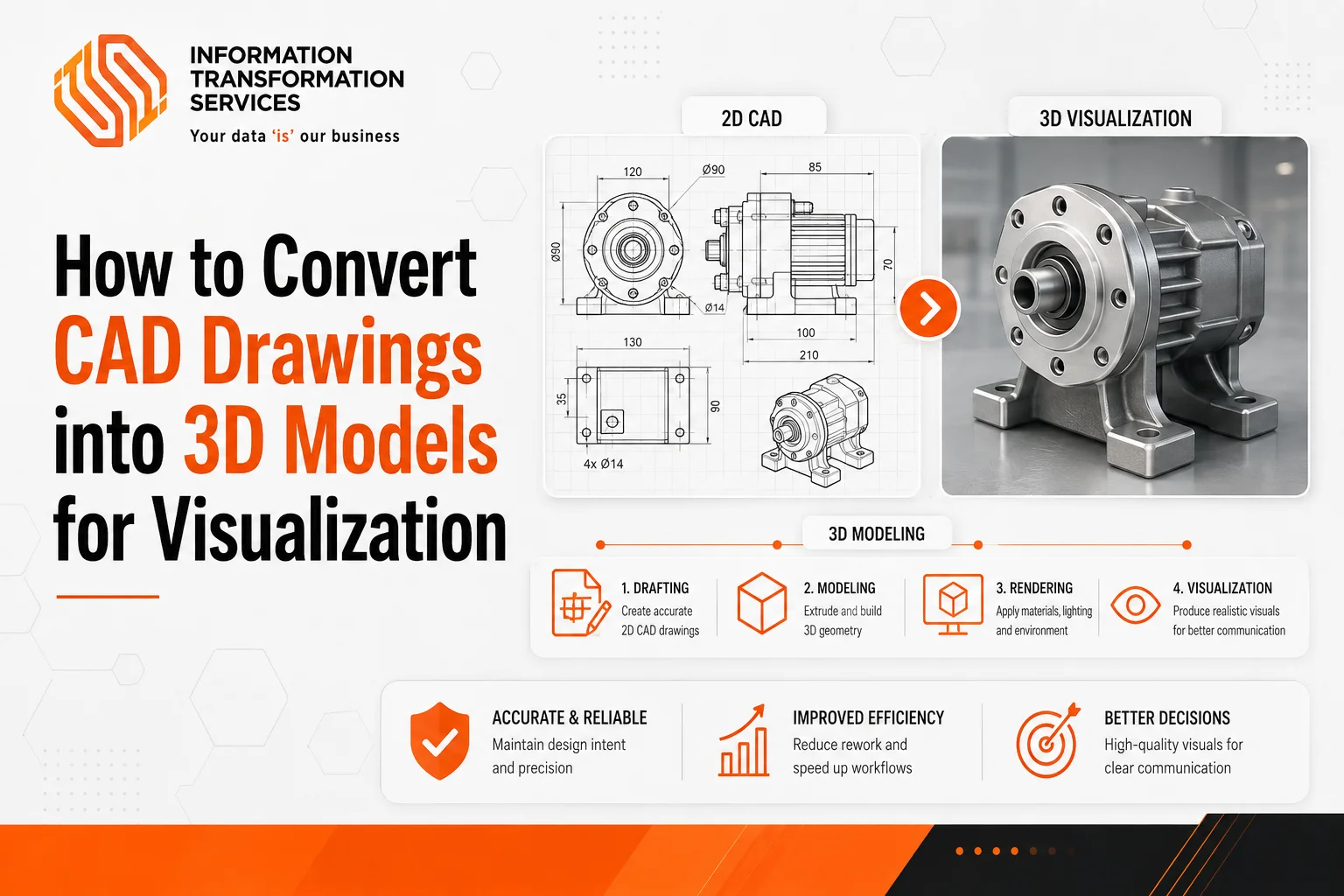
Read MoreQuick Answer To convert a CAD drawing into a 3D model: open the file in compatible software (AutoCAD, Blender, or SketchUp), clean up duplicate geometry, set correct units, extrude 2D shapes...
Read More