How to Use Python to Get Data From a Website
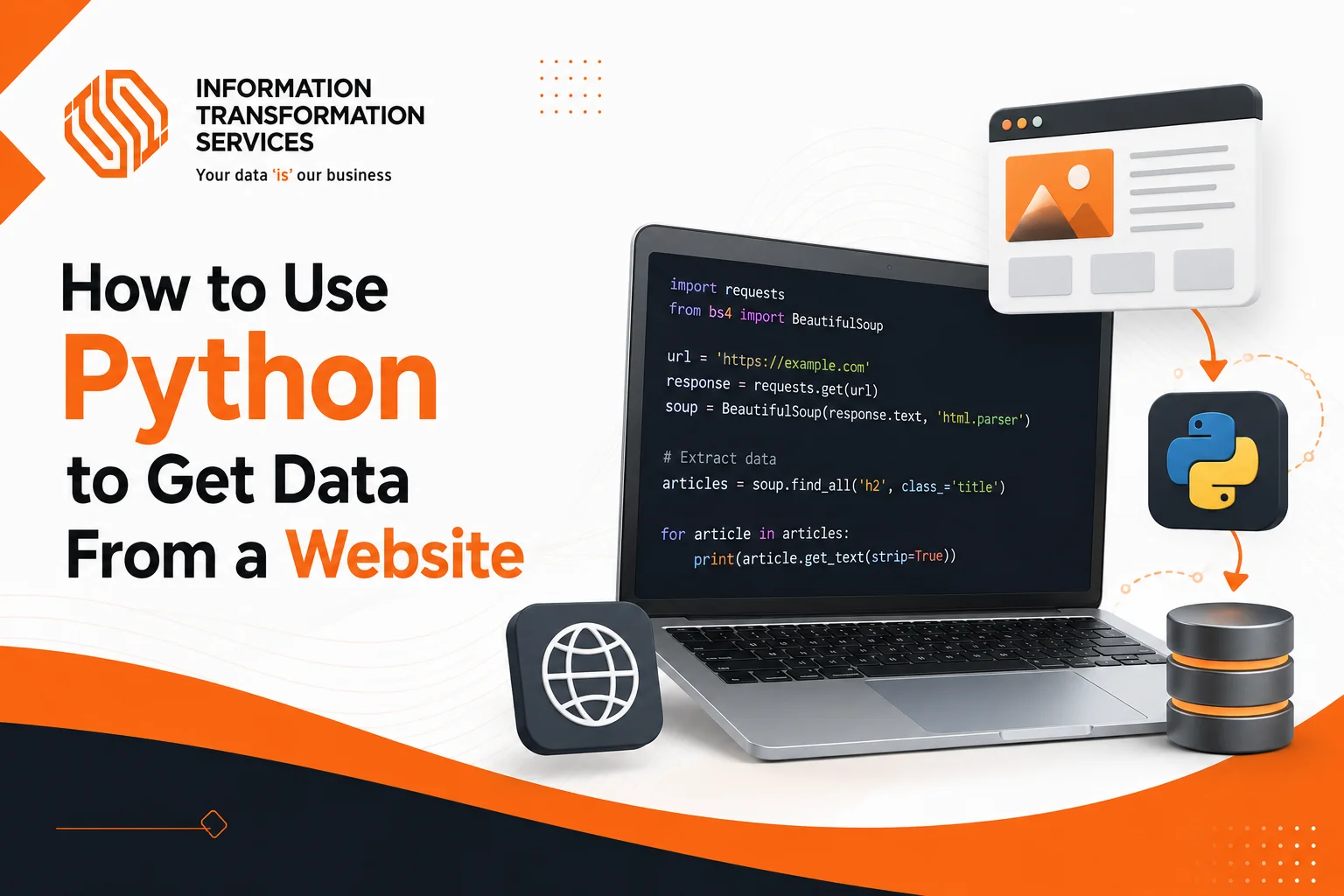
To use Python to get data from a website, send an HTTP request with the requests library, parse the HTML response with BeautifulSoup, and extract the specific elements you need. This is the exact process we use daily at ITS to deliver web scraping projects for clients across e-commerce, real estate, finance, and lead generation.
Whether you need product prices, competitor listings, customer reviews, or lead generation data, the Python web scraping libraries we use let you automate the entire extraction process in just a few lines of code.
In this guide, you will learn how to extract data from a website using Python exactly the way our extraction specialists do it. We will cover requests, BeautifulSoup, Selenium, and Scrapy, with working code examples you can run. By the end, you will also know when building your own scraper makes sense versus choosing a professional web scraping service.
What You Need Before You Start
From our experience running large extraction projects, the setup is simple. You do not need to be an expert programmer to get started. You just need a few basics in place.
Install Python and a code editor
Download the latest version of Python from the official website. During installation, make sure to check the box that adds Python to your system PATH. For writing code, install VS Code or any editor you are comfortable with.
Know these core Python skills
You should be familiar with variables, string handling, for loops, lists, and importing modules. If you understand these concepts, you can already build a basic scraper.
Understand the basic flow
Every scraper we build follows the same pattern. First, you fetch the raw HTML from a page. Then you parse that HTML into a readable format. Next, you extract the specific data fields you need. Finally, you save the results to a file like CSV or Excel. This is the entire process, no matter how large the project becomes.
How to Choose the Right Python Web Scraping Library
In over two decades of extraction work, we have learned that there is no single best Python web scraping library for every project. Each tool has its own strengths. Here is how we choose for each client project.
Requests
Requests is the go-to library for fetching web pages. It sends HTTP requests and returns the raw HTML. It is fast, lightweight, and perfect for static websites. If the page loads all its content in the initial HTML response, Requests is all you need.
BeautifulSoup
BeautifulSoup works alongside Requests to parse HTML. It lets you search through the page structure, find specific elements using tag names, CSS selectors, or attributes, and pull out the data you need. BeautifulSoup web scraping is beginner-friendly and handles messy HTML well. This is our default choice for most catalog and listing projects.
Selenium
Selenium is used when a website loads content with JavaScript. It controls an actual browser, waits for the page to render, and then extracts the data. Selenium Python web scraping is slower but necessary for dynamic sites where the data is not present in the initial HTML.
Scrapy
Scrapy is a full framework built for large-scale crawling. When a client needs us to scrape thousands of pages, Scrapy Python is the right choice. It handles concurrent requests, retries, and data pipelines all in one package.
The best approach is to start with Requests and BeautifulSoup together. Move to Selenium only when the page content does not appear in the raw HTML. Use Scrapy when your project grows beyond a simple scraper.
Fetch a Web Page Using Requests
The Requests library handles the first step of any scraper. We use it to download the HTML of a page so that we can work with it in Python.
Install it using pip:
pip install requests
Here is a minimal example you can run right away:
import requests
url = “https://example.com”
headers = {“User-Agent”: “Mozilla/5.0”}
response = requests.get(url, headers=headers)
print(response.status_code)
print(response.text[:500])
Why headers matter: Many websites block requests that look automated. Adding a User-Agent header makes your request look like it is coming from a real browser. Without it, you may get a 403 Forbidden error. Always check the status_code before working with the response. A status of 200 means the request was successful.
This snippet does three things: it sends an HTTP GET request, checks the server response, and prints the first 500 characters of the page content. On its own, this only downloads the page. To turn that raw HTML into structured data, you need to parse it.
Parse HTML Using BeautifulSoup
Once we have the raw HTML, the next step is to parse it and extract the data we need. That is where BeautifulSoup comes in.
Install it with:
pip install beautifulsoup4
Here is how to fetch and parse a page in one go:
import requests
from bs4 import BeautifulSoup
response = requests.get(“https://example.com”, headers={“User-Agent”: “Mozilla/5.0”})
soup = BeautifulSoup(response.text, “html.parser”)
print(soup.title.get_text())
for link in soup.find_all(“a”):
href = link.get(“href”)
if href:
print(href)
Key methods to remember: Use soup.find(“tag”) to get the first matching element. Use soup. find_all(“tag”) to get every match. Use .get_text() to extract clean text without HTML tags. Use soup.select(“css.selector”) for more precise selection based on CSS classes or IDs.
How to find the right elements: Every browser has a built-in developer tool. Right-click on the data you want to extract and select Inspect. This opens the HTML structure and shows you exactly which tag, class, or ID holds the information. Use that information in your BeautifulSoup code to target the right elements. This is the same inspection method our specialists use before writing any extraction script.
Extract Data From a Product Page (Step by Step)
Let us put everything together with a real-world workflow we use for product data projects. We will scrape a product listing page, extract names and prices, and save them to a CSV file. The same pattern works for competitor pricing, product descriptions, customer ratings, or any other structured data on a page.
Step 1: Inspect the target page. Open the website in your browser. Right-click on a product and select Inspect. Look at the HTML structure. Find the container that holds each product. Note the tag names and class attributes that identify the data you want.
Step 2: Write the scraper. Use Requests to fetch the page and BeautifulSoup to pull out the product blocks. Loop through each block and extract the fields you identified in Step 1.
import requests
from bs4 import BeautifulSoup
url = “https://your-target-site.com/products”
headers = {“User-Agent”: “Mozilla/5.0”}
response = requests.get(url, headers=headers)
soup = BeautifulSoup(response.text, “html.parser”)
products = []
for item in soup.find_all(“div”, class_=”product-item”):
name = item.find(“h2″, class_=”product-name”)
price = item.find(“span”, class_=”product-price”)
products.append({
“name”: name.get_text(strip=True) if name else “N/A”,
“price”: price.get_text(strip=True) if price else “N/A”,
})
for product in products:
print(product)
Replace the URL with your target page, and update the CSS class names to match what you find during inspection. This pattern works on any product listing page.
Step 3: Clean the data. From our delivery experience, real-world data is rarely perfect. Prices may include currency symbols. Some fields may be missing. Use conditional checks as shown above to handle absent values. Strip whitespace and clean each value before storing it.
Step 4: Handle pagination. Most websites spread data across multiple pages. Check the URL pattern when you click Next on the site. Then write a loop to fetch each page in order.
for page in range(1, 6):
page_url = f”{base_url}?page={page}”
# fetch, parse, extract as above
Step 5: Save to CSV. Use the pandas library to convert your extracted data into a clean CSV file.
import pandas as pd
df = pd.DataFrame(products)
df.to_csv(“products.csv”, index=False)
print(f”Saved {len(products)} rows to products.csv”)
You now have a working scraper that extracts data across multiple pages and saves it in a format you can use for analysis, reporting, or business decisions.
Use Selenium for Dynamic Websites
Some websites load their content using JavaScript after the initial page load. When we fetch such a page with requests, the data we need is not there yet. This is where Selenium helps.
Selenium controls a real browser. It waits for JavaScript to finish running, then reads the fully rendered page. This is essential for scraping single-page applications, infinite scroll feeds, and sites that load data through AJAX calls.
Install it with:
pip install selenium
Here is a basic example:
from selenium import webdriver
from selenium.webdriver.common.by import By
driver = webdriver.Chrome()
driver.get(“https://your-target-site.com/dynamic-page”)
items = driver.find_elements(By.CSS_SELECTOR, “.product-item”)
for item in items:
print(item.text)
driver.quit()
The trade-off. Selenium is slower than BeautifulSoup because it loads an entire browser. Use headless mode to speed things up. Only use Selenium when Requests and BeautifulSoup cannot access the data you need. For small to medium projects, this is usually enough.
Scale Up With Scrapy
When a project requires scraping thousands of pages, BeautifulSoup in a simple loop becomes slow and hard to manage. Scrapy is a Python framework built for exactly this kind of workload. We rely on it for large delivery projects.
It handles concurrent requests, error retries, link following, and data storage all in one package. The learning curve is steeper, but it is worth it for large-scale projects like price monitoring, market research, and competitor analysis across hundreds of pages.
Even in a simple scraper, there are two professional habits we insist on in production.
Rate limiting. Add a delay between requests so you do not overwhelm the server.
import time
time.sleep(1)
Respect robots.txt. Check the website’s robots.txt file and terms of service before scraping. Some pages are off-limits. In every project we run, we follow these rules to keep extraction ethical and reduce the risk of being blocked.
Common Data Types We Extract For Clients
Across our projects, web scraping with Python is used to collect many types of data. Here are the most common ones.
E-commerce data
We extract product names, prices, discounts, ratings, reviews, and stock availability from online stores for competitor pricing analysis and product catalog building.
Lead generation data
We scrape company names, email addresses, phone numbers, and social media profiles from directories to build targeted sales lists for outreach.
Real estate listings
We pull property details, pricing, location data, and agent information from listing platforms for market analysis and investment research.
Job postings
We collect job titles, descriptions, salary ranges, and company details from career pages for recruitment analytics.
News and content
We aggregate articles, headlines, publication dates, and author information for content research and trend monitoring.
We extract posts, comments, and engagement metrics for brand monitoring and sentiment analysis.The extraction process is the same regardless of the data type. You identify the HTML structure, write a parser, and export the results. The only thing that changes is which elements you target.
Why Your Scraper Will Break
Here is something that comes from direct experience. Your scraper will break. Websites change their HTML structure regularly. Anti-bot protections get updated. New CAPTCHAs appear. Class names disappear. What worked yesterday may not work tomorrow.
This is not a flaw in your code. It is the reality of web scraping. Every script needs ongoing maintenance. For a small one-time project, that is manageable. For a production system that feeds your business decisions, it becomes a serious commitment. This is why, for large ongoing needs, dedicated extraction teams are more reliable than maintaining scripts internally.
When to Outsource Web Scraping
From our work with hundreds of clients, building your own scraper makes sense when the job is small, you want to learn, and you can handle occasional downtime. But when the data drives important business decisions and you need it accurate, clean, and consistent, outsourcing becomes the smarter choice.
A professional web scraping service handles the entire process. From building the scraper to maintaining it as websites change to cleaning and validating every record before delivery. You get the data you need without worrying about broken scripts or missed updates.
Get a Free Quote From ITS Today
Information Transformation Service (ITS) offers professional web scraping solutions catered to by experienced specialists and technical software. ITS is an ISO-certified company that addresses all of your big and reliable data concerns at the most affordable price tag. For the record, ITS has served more than 2000 satisfied clients worldwide.
Our extraction specialists combine Python automation with manual human validation, the difference that keeps our datasets clean and accurate. Every record is proofread and quality-checked before delivery, so you never receive broken or incomplete data.